
Features
Sansan Features
Business card &
contact management
Turn contacts into corporate assets
Sansan applies proprietary, highly accurate scanning and digitizing technology developed over many years.
Digitized contact information is stored in your centraized database and can be acted on organization-wide.
-
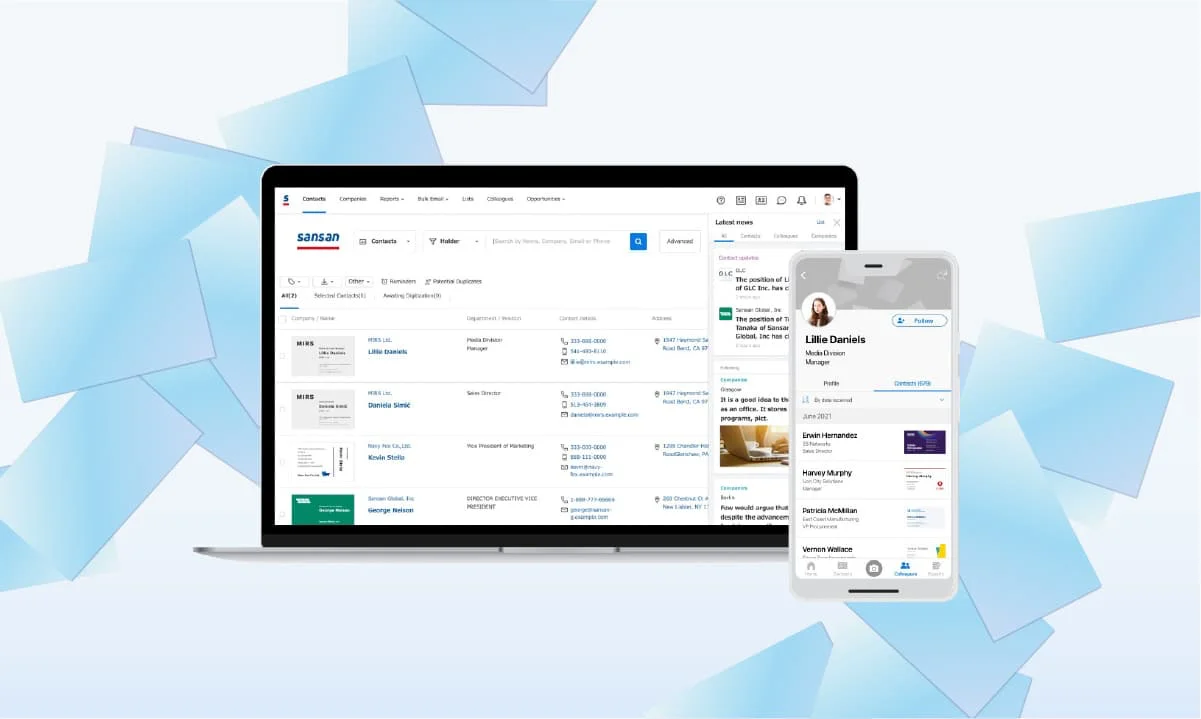
Scan and accumulate contact data
Contact Data is digitized with high accuracy, and that information is stored in your centraized database for company-wide use.
-
Share contact information
Search all connections within the company. Visualize customer contacts and facilitate successful interactions.
-
Use contact details strategically
An organization tree is automatically generated for each company. See key people who have or haven’t yet been contacted, find out who knows who, and use this insight to formulate effective strategies.
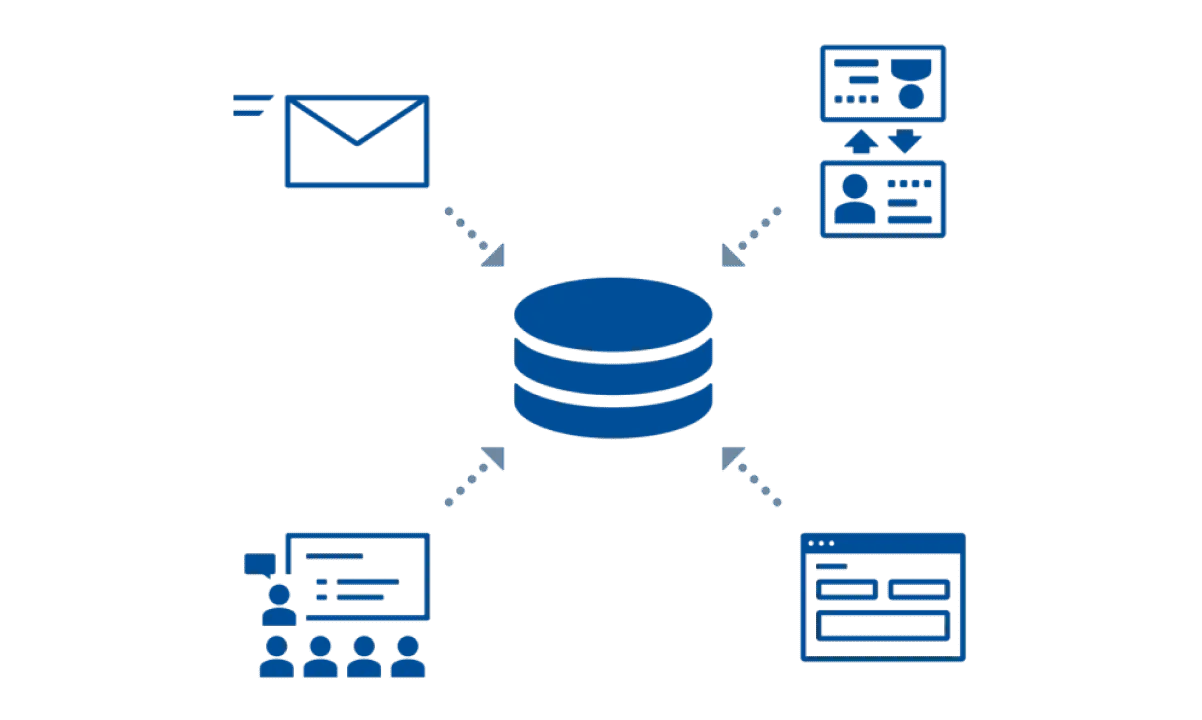
AI + human data entry
-
Business card scanning
Digitize paper business cards accurately with a scanner or by taking a photo with your Mobile.
-
AI + human data entry
Sansan’s AI recognizes business card details and sections, and is followed by human data entry, to ensure almost 100% accuracy.
-
Build a centralized database
Text and images are associated with specific people to build your database.
-
Accessible on multiple devices
Search and act on data on PCs or mobile devices.
Activity management
Visualize contact points
and frequency
Sansan consolidates and quantifies all points of contact.
This activity between companies and people can be visualized
and shared organization-wide, and used for sales and marketing.
-
Virtual Card exchange
Exchange business cards with anyone, anywhere. Online contacts can be added and managed the same as in-person contacts.
-
Contact Inbox
Add more contacts by automatically extracting and adding contact information from email signatures when communication is only via email. (currently only available in Japan)
-
Compile activity in one place
Contact information such as emails, calls, and meetings can be stored and associated with a certain company or person. Then refer to this activity to deepen understanding of your customers and tailor customized approaches and proposals.
Marketing
Efficient and optimal solutions
for your target audience
Use shared company-wide contact details to attract and expand your pool of target leads and prospects.
Digitize the latest company and person details to more efficiently and effectively attract customers.
-
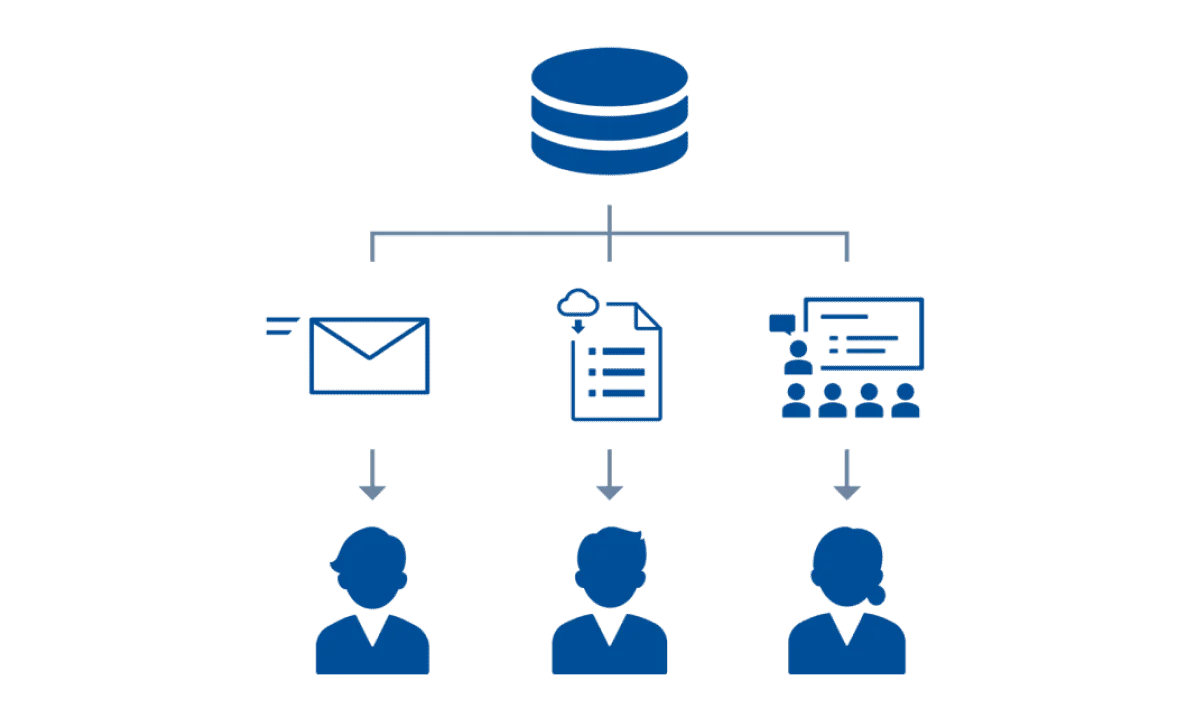
Efficient, targeted emails
Usually, you need a distribution list to send bulk emails to target customers. Sansan lets you immediately convert contact information into lists, so you don’t have to do it manually. Target by business type, department, position, etc., and send emails on behalf of a specific sender. It’s an efficient and effective solution. You can also check the open and click-through rates of emails, and recipient responses. Use this insight to refine your email strategies.
More
Sansan's wide range of feature support results-oriented sales and marketing activities in any situation.
You can combine the company database with the contact database to uncover even more business opportunities.
Sansan Scanner Set
Multilingual support
Contact search
Memos

Tagging
Lists

Mobile app

Email integration
Salesforce integration
API integration
Security enhancement
Two-factor
authentication
SAML authentication
IP address restrictions
Device usage
restrictions

Usage log download
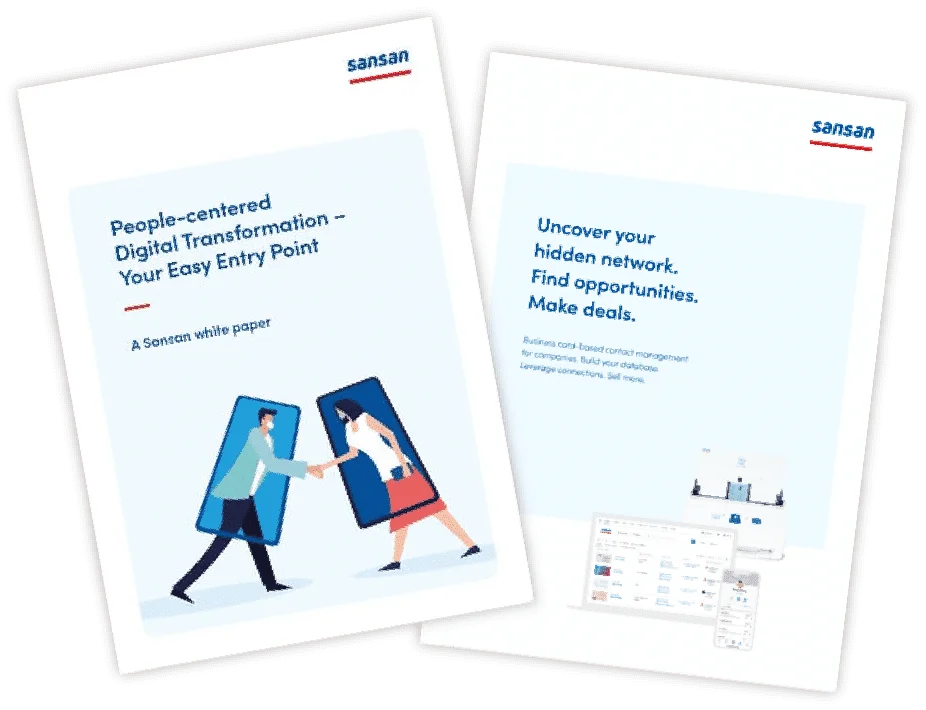
Understanding Sansan's features
An introduction to what
Sansan can offer you
FAQ
-
Yes, you’ll get the same 99.9% accuracy, because both processes use Sansan's AI + human data entry formula. Dedicated Sansan scanners can scan business cards efficiently and immediately.
*Sansan scanners process 100 business cards in as fast as 5 minutes, and can even read and record card exchange dates handwritten on cards. -
Yes, it is. Business cards don't have one fixed format and may have items that the system can’t recognize. Sansan continuously researches and develops its technology using machine learning with AI. But at this time, the manual data entry step is still needed to ensure the highest possible accuracy.
-
Both options are available.
Please check the recommended operating environment here.